On this page
- 1. Put a tappable phone number in the first screen on mobile
- 2. Add a sticky call or WhatsApp button
- 3. Say what you do and where in the first line
- 4. Show proof before anyone scrolls
- 5. Use your own job photos, not stock
- 6. Cut the contact form to four fields
- 7. Give every page one clear next step
- 8. Make it fast on a phone signal
- 9. Remove the things that leak attention
- 10. Match the page to the search
- What the first five look like on a real site
- Three of these you can do this weekend
- The 10-point call check
- When to stop patching and start again
- FAQs
Most trades websites we look at don't have a traffic problem. They've got visitors. Not thousands, but real people, in the right town, searching for the job. And the phone stays quiet.
That's a different problem, and it's a much cheaper one to fix. Getting more visitors means paying for ads or months of SEO. Getting more of your existing visitors to ring means an afternoon of changes, most of which cost nothing.
We've explained what a conversion rate is and why a site ends up getting no leads. This is the fix list. Ten changes, in the order we'd make them, each with a check you can run on your own site in about thirty seconds.
Open your website on your phone before you start. Not your laptop. Your phone, on mobile data, because that's how most of your customers see it. You can run every check below in about five minutes.
1. Put a tappable phone number in the first screen on mobile
The single biggest one. Someone with a burst pipe isn't reading your About section. They want your number, now, without scrolling, and they want to tap it rather than type it.
Your number sits at the top of every page, visible on a phone without scrolling, and it's a real link (tel:) so one tap starts the call.
The person searching on a phone has their thumb on the screen. If the number is text, they have to remember it, switch apps and type it, and half of them go back and tap the next result instead.
2. Add a sticky call or WhatsApp button
The number at the top is for the person who arrives ready. The sticky button is for the person who reads three paragraphs, decides you'll do, and then has to scroll back up to find how to ring you. Some of them don't bother.
A call button, and ideally a WhatsApp button next to it, that stays on screen as the visitor scrolls on mobile.
The moment someone decides to get in touch is unpredictable. The button makes sure it's never more than one tap away, wherever on the page that moment happens.
3. Say what you do and where in the first line
Not a slogan. Not "Quality you can trust". The job and the place.
What most sites do
Quality you can trust
What works
Roof repairs and new roofs across Nottingham
The first heading on your homepage, and on every service page, states the service and the area in plain words.
A visitor gives you about three seconds to confirm they're in the right place. If the first thing they read is a slogan, they have to go looking for what you actually do. Many don't.
4. Show proof before anyone scrolls
Gas Safe, NICEIC, Checkatrade rating, "18 years trading", a Google review score with the number of reviews. Whichever of those you have, they belong in the first screen, not on an accreditations page nobody visits.
Two or three trust signals sit under or beside your main heading, with the real numbers on them.
Letting a stranger into your home, or onto your gas supply, is a trust decision, and people make it fast. A rating and a badge answer "are they legit?" before the question is consciously asked.
5. Use your own job photos, not stock
A finished patio you built. A boiler you fitted. Your van outside a real house. Not a stock photo of a man in a branded polo shirt holding a spanner, which every visitor recognises as not you.
Replace stock imagery with photos of your finished work, and put the best one near the top.
The homeowner comparing three firms picks the one whose work they can see. Stock photos tell them nothing, and a lot of people quietly assume a business hiding its work has none to show.
6. Cut the contact form to four fields
Name, phone, postcode or town, and what the job is. That's it. Not "how did you hear about us", not "preferred contact time", not a required email address for someone who'd rather you rang.
Before
- Name
- Telephone
- Address
- Preferred contact method
- Where did you hear about us?
- Budget
- Message
After
- Name
- Phone
- Postcode
- What do you need help with?
Strip the form to the minimum you need to call them back, and make the phone number the required field, not the email.
Every extra field is a reason to give up, and someone typing on a phone on a building site gives up quickly. You can ask everything else when you ring them.
7. Give every page one clear next step
Every page needs to answer "what do I do now?" with one obvious action: call, WhatsApp, or get a quote. Not five buttons doing five things. One, repeated.
What most sites do
What works
A single, clearly worded button on every page ("Call now", "Get a quote"), and the same wording throughout.
When everything's a button, nothing is. A visitor who has to choose between five different ways of getting in touch often picks none of them.
8. Make it fast on a phone signal
Not fast on your office wifi. Fast on one bar of 4G in someone's kitchen, because that's where the search is happening.
Compress your images (a phone photo straight off the camera is often ten times bigger than it needs to be), drop any plugin or script you don't use, and make sure the page shows something useful within a couple of seconds.
Google's own guidance is that the main content should appear within 2.5 seconds. Slower than that and people leave before they've seen your number. Speed isn't a technical nicety; it's whether the visitor is still there.
9. Remove the things that leak attention
Image sliders that rotate before anyone's read them. An Instagram feed that sends the visitor off to Instagram. Autoplay video. A chat pop-up that appears just as someone was reading the thing that would have convinced them.
Take them off. If it doesn't help the visitor decide to ring you, it's in the way.
You've got a few seconds of attention and every one of these things spends it on something other than the phone call. The Instagram feed is the worst offender, because it's a working exit door on your own homepage.
10. Match the page to the search
If someone searches "boiler repair Derby" and lands on a homepage that says "Welcome to our website" and lists eleven services, they have to go looking for the boiler bit. If they land on a page whose first line is about boiler repair in Derby, they're already halfway to ringing.
Lands on
Welcome to ABC Plumbing
Lands on
Boiler Repairs in Derby
The jobs you actually want get their own page, each one opening with that job and your area, so the page a searcher lands on is about the thing they searched for.
The visitor's question is "do these people do my job, here?" A page that answers it in the first line converts. A page that makes them work it out doesn't. It's also the same structure Google needs to rank you for those searches, so it does two jobs at once.
What the first five look like on a real site
DK Electrical is Dan's business, an electrician covering Sunderland, Newcastle and Durham. His old homepage opened with "Electrical Services by DK Electrical" over a photo of pendant lights, and one button: "Get a free quote". His number was small grey text at the very bottom of the page, under his address. That's checks 1 and 3 failed before anyone had scrolled.

We rebuilt it in September 2026. Here's how the new one handles the first five:
- 1. The number. It's the first button on the page, "Free quotes · call now", and on a phone there's a Call button in the header as well.
- 2. Sticky buttons. On a phone, a Call now bar stays pinned to the bottom of the screen with a WhatsApp button beside it.
- 3. What and where. The first heading reads "Electrician & EV charger installer in Sunderland, Newcastle & Durham".
- 4. Proof. His 5.0 from ten Google reviews sits just above the heading, and his NAPIT registration and nine years on the tools follow under the call buttons.
- 5. Photos. The main photo is a charger he fitted, and every charger in the EV section is one of his own installs.

The full before and after is in the DK Electrical case study.
Three of these you can do this weekend
You don't need a developer for all ten. If you can edit your own site, or you're happy to send a two-line email to whoever can, start here.
Start here this weekend
Three fixes before you spend another £1 on traffic
- Make your number tappable and put it at the topOne line of code. On a site builder, it's a setting on the phone number block.5 min
- Rewrite your first headingJob plus town. No tools needed.5 min
- Delete the slider, the social feed and the pop-upRemoving things is always easier than adding them, and this removes the biggest leaks.15 to 30 min
Those three cost nothing and they're the difference for a lot of quiet phones.
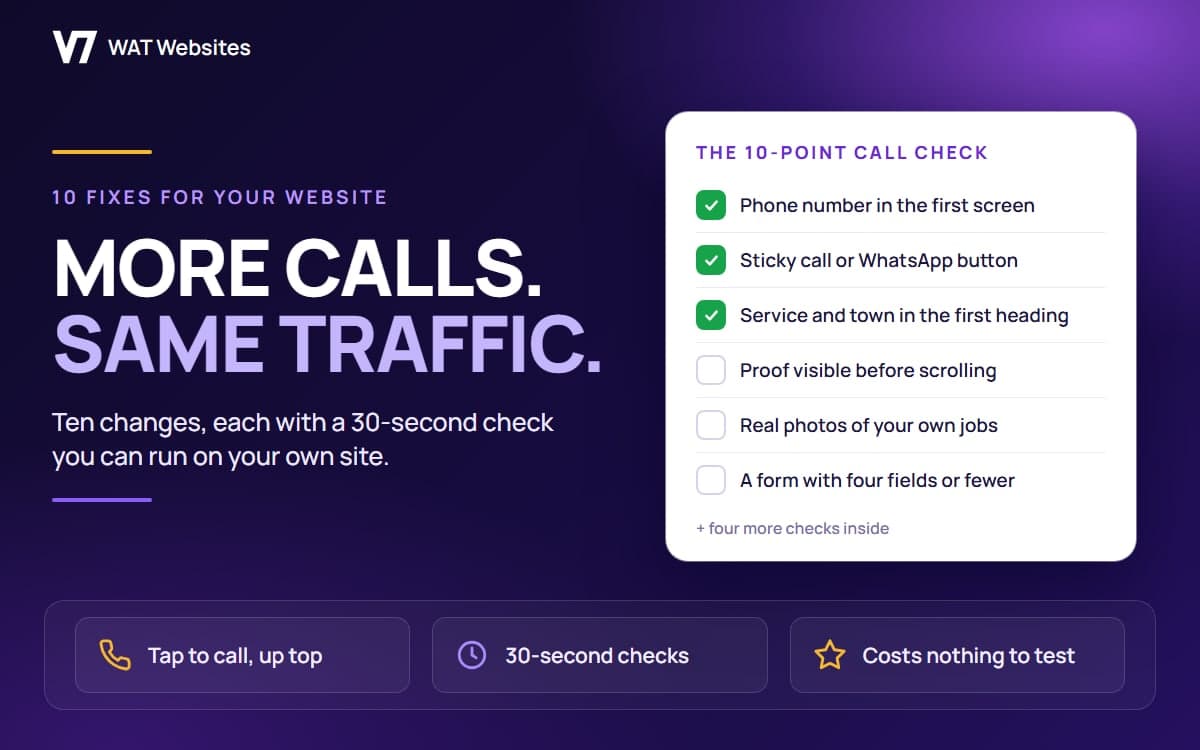
The 10-point call check
The whole article in one screen. Screenshot it, open your site, tick what you've got.
- Phone number in the first screen, tappable
- Sticky call or WhatsApp button
- Service and town in the first heading
- Proof visible before scrolling
- Real photos of your own jobs
- A form with four fields or fewer
- One clear next step on every page
- Loads fast on mobile data
- No sliders, feeds or pop-ups
- A page that matches each search
When to stop patching and start again
Some sites can't be fixed from the list above, and it's worth being honest about the signs:
- It's a template you can't actually edit, so every change is a ticket to someone who doesn't reply
- It doesn't work properly on a phone at all, and no amount of moving the number fixes that
- There's no analytics on it, so you can't tell whether anything you change makes a difference
- The hosting is falling over, or the software hasn't been updated in years
If that's your site, patching is paying to keep something that's working against you. A page built around the phone call from the start does all ten of these by default, which is exactly what our free starter website is: the website is free, we design, build and host it, and the one thing you pay for is your own domain, about £12 a year. If you'd rather know where your current site stands first, the free website audit checks the things on this list and tells you which ones are costing you calls.
Frequently Asked Questions
How many visitors do I need before these changes show?
Fewer than you'd think, because the changes work on every visitor from the moment they're live. What takes time is being sure it was the change and not a busy week. If your site gets a few hundred visits a month, give it a month or two and compare enquiries with the same period before. If it gets a few dozen, you'll feel the difference before the numbers prove it. Either way, none of these changes can make things worse, so there's no reason to wait for a bigger sample.
Is WhatsApp worth adding to a trades website?
Yes, as a second option next to the phone number, not instead of it. Plenty of people won't ring a business at 9pm but will happily send a photo of the leak on WhatsApp. It also gives you the photo, which makes quoting easier. Use a proper wa.me link with your number in it, so one tap opens a chat, and reply within working hours like you would a call. If you won't answer it, don't add it.
Should I put prices on my website?
For fixed jobs, a boiler service, a call-out fee, an EICR, yes: it removes the reason people don't ring. For work that has to be quoted, a "from" price or a typical range does the same job without tying you to a number. What loses calls is total silence on cost, because the visitor assumes the worst and rings someone who's said something. We publish our own prices, so we're not asking you to do anything we don't.
Do I need a chatbot on my website?
For a local trade or service business, almost never. A chatbot is one more thing between the visitor and your phone number, and the pop-up usually arrives just as they were reading the thing that would have convinced them. A tappable number, a WhatsApp link and a four-field form cover everything a chatbot would, without the interruption. Add one only if a real person is behind it during working hours.
Will changing my website hurt my Google rankings?
Not if you keep the same page addresses and the same headings and services on them. Everything in this list is about what the visitor sees and does once they've arrived, so it doesn't touch the things Google uses to rank you. A full rebuild is different: that's when addresses change and rankings can wobble, which is why a rebuild should keep the old URLs or redirect them properly. Fixing the number, the form and the first line is safe.
What is the single biggest change I can make today?
Open your site on your phone and try to ring yourself. If the number isn't in the first screen, or it's text you can't tap, fix that first. It's a five-minute job for whoever built the site, or a one-line change if you can edit it yourself, and it's the change that decides whether a person with water coming through the ceiling calls you or the next result.

Written by
Tom Smith, Co-founder, WAT Websites
Tom co-founds WAT Websites and builds the sites: custom code, fast pages, and the systems that turn a page into enquiries for UK service businesses.